and talking of amazing #ui and #ux lets not forget Blue Stacks which adds a shortcut to your desktop for every app you install inside its android emulator



and talking of amazing #ui and #ux lets not forget Blue Stacks which adds a shortcut to your desktop for every app you install inside its android emulator
android apps


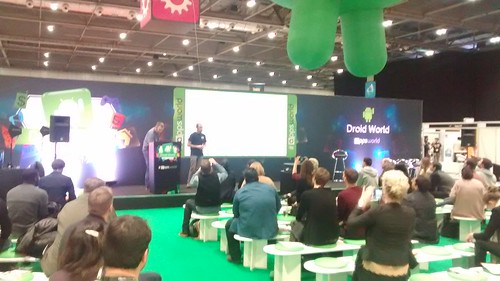
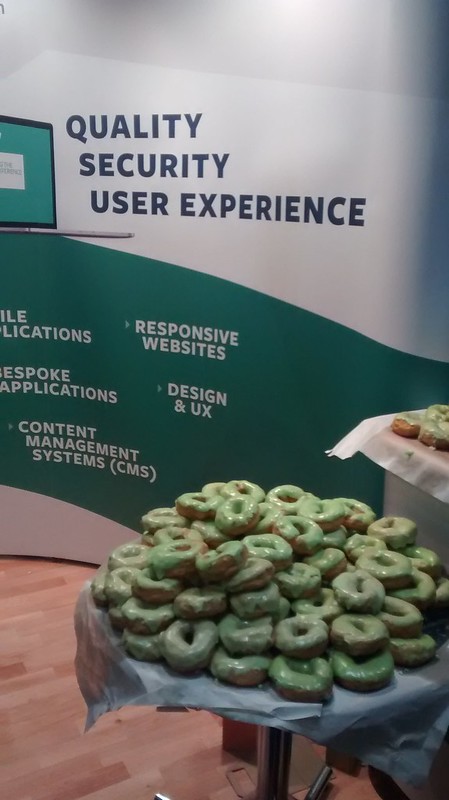
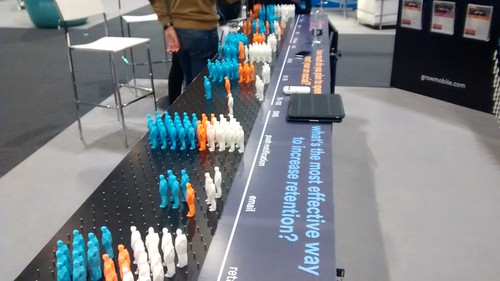
appsworld 2016 in photos



Personal / Regular / Individual /SIngle User Google Accounts
Legacy Google Apps Account (only free before 2013)
In the legacy free edition of Google Apps, secondary domains are not supported. The legacy free edition of Google Apps only supports domain aliases. All the other restrictions tied to domain aliases apply.
NFP Google Apps Account
If you are a UK NFP you will first need to register with TechSoup / TT Exchange
TT Exchange also give you discounts for NFP on other IT offerings
Google Apps for Work and Google Apps Unlimited are PAID for services see
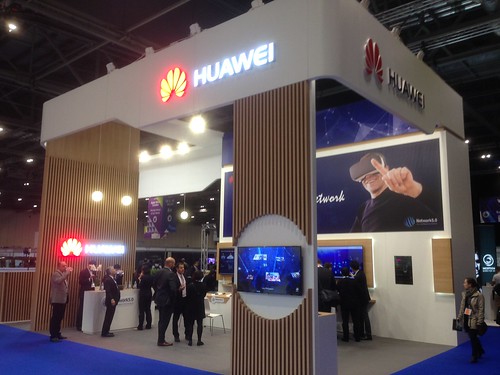
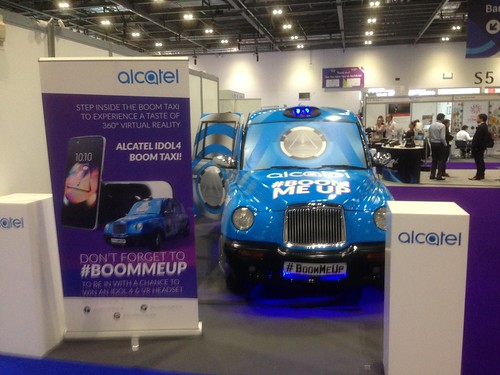
appsworld 2015 conference exhibition at excel in pictures




if you ever wondered where apple #iTunes puts backups of your #app they are in a subdir off your windows 7 music dir !
crayola are currently promoting animate-it for creating animations but there are also animation apps available for android and ios such as imotion, looksee, stickdraw and toontastic
to setup 64-bit oracle gnu/linux 6 to run 32-bit apps such as the android sdk you first need to install some 32 bit librarys
# yum install glibc.i686 glibc-devel.i686 libstdc++.i686 ncurses-libs
this should prevent you getting errors such as
bash:
android-sdk-linux/platform-tools/adb:
/lib/ld-linux.so.2:
bad ELF interpreter:
No such file or directory
and
android-sdk-linux/platform-tools/adb:
error while loading shared libraries:
libncurses.so.5:
cannot open shared object file:
No such file or directory
see also
yesterday at #google #io google announced some major updates for google books, play, map, store and other android apps but they are now all so big there’s no space left on my google nexus one for any non google apps !
thats a total of 88MB and because these are all factory installed apps they are all uninstallable and you cant move any of them to the SD card even if you have 8G free on it !
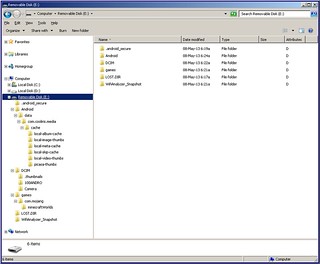
default android sd card file structure after
android apps that have been moved to sd card are stored in the .android_secure directory
developer.android.com/guide/topics/data/data-storage.html#filesExternal
 OSDE8INFO
You must be logged in to post a comment.